This video-based course describes how to transition from Automic Automation on-premises to the Software-as-a-Service model. It teaches administrators how to assess a conventional instance and perform the essential tasks required to move a production to SaaS while minimizing effort or downtime.
Learning Path
Administrator's Guide to Transition from On-Premises
Learn how to transition from Automic Automation on-premises to SaaS with courses covering assessment, essential tasks, and upgrading to version 24.
Introduction
This learning path is aimed at Automic Automation administrators who are planning to move from a traditional on-premises deployment to the Software-as-a-Service (SaaS) model. This course covers the architectural differences between on-premises and SaaS environments and guides administrators through assessing their existing on-premises instances. It provides essential steps to perform the transition smoothly, including migrating agents, configurations, and objects, while minimizing downtime and effort. The learning path also explains SaaS operational specifics, such as maintenance schedules and how to use tools like the Automic Web Interface (AWI) and REST API for migration tasks. The course content is aligned with the current version 24, ensuring that administrators are equipped with relevant, up-to-date knowledge to manage the migration effectively and benefit from cloud automation advantages. This path is ideal for experienced administrators seeking to modernize their Automic Automation deployment by adopting SaaS with confidence and minimal disruption.
Transitioning from Automic Automation On-Premises to Automic SaaS
This video course guides administrators in transitioning from Automic Automation on-premises to SaaS, covering assessment and essential tasks to minimize effort and downtime.
Automic Automation v24 Release Overview
This self-paced and video-based course addresses anyone who works with Automic Automation. It describes and demonstrates (where applicable) the new features and functions introduced with Automic Automation v24.
Automic Automation v24 Release Overview
This demonstrates the new features and functions introduced with Automic Automation v24.
Automic Automation: Upgrading to Version 24
This course is relevant for system administrators who are in charge of installing and upgrading Automic Automation. It guides you through and demonstrates the process to upgrade Automic Automation from version 21 to version 24 on a Windows platform. The Unix upgrade is virtually the same.
Automic Automation: Upgrading to Version 24
This course guides the process of upgrading Automic Automation from version 21 to version 24 on a Windows platform.
Simulation Labs
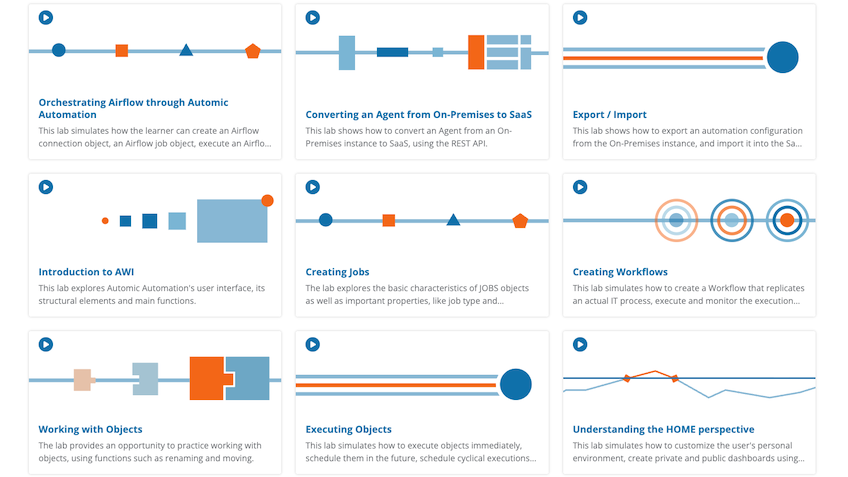
Broadcom’s Simulation Labs offer an interactive, hands-on learning environment designed to complement and enhance course materials. They provide realistic scenarios and practical exercises, allowing you to reinforce your learning experience and apply your skills in executing, scheduling, and managing automation tasks in a controlled simulation setting, without impacting live systems.